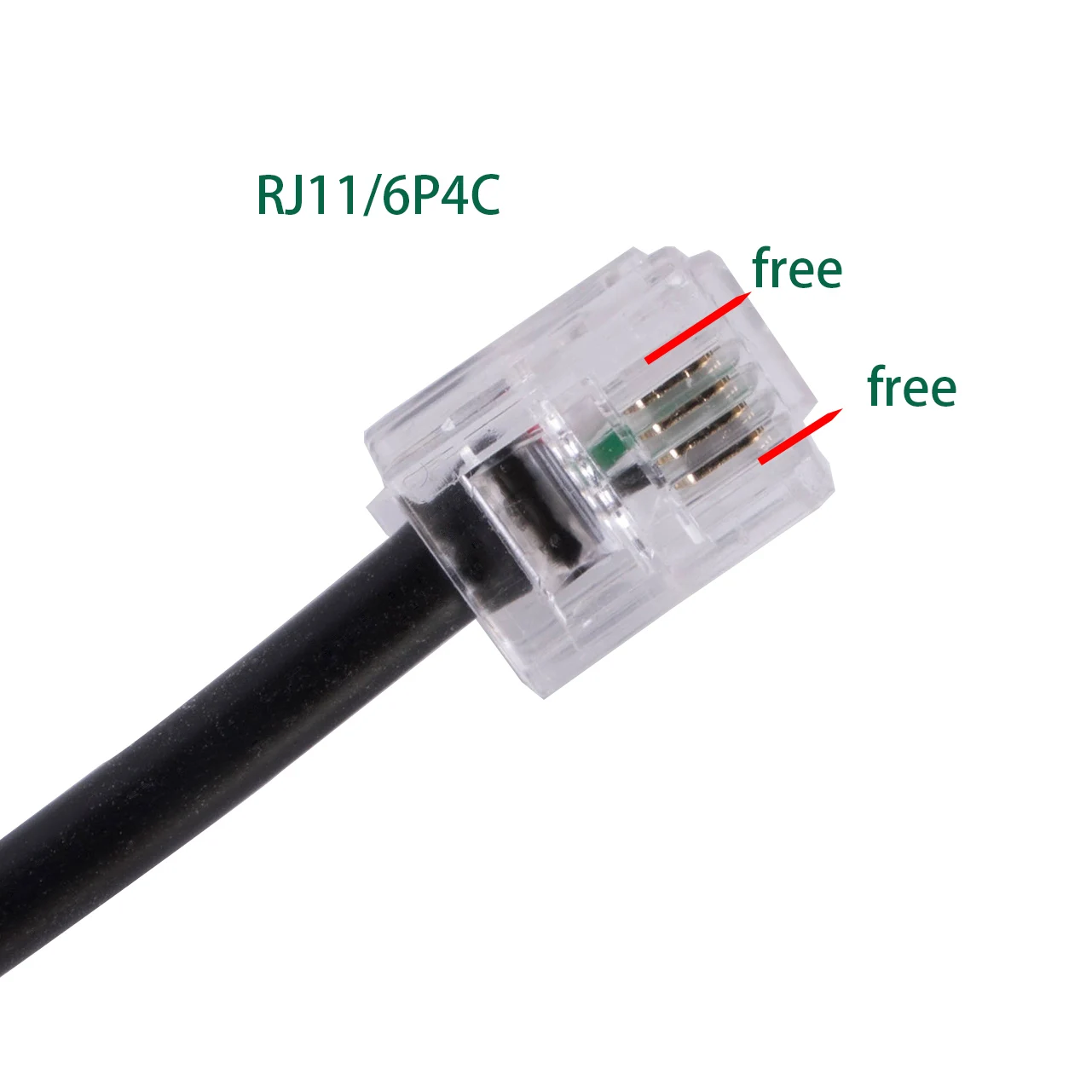
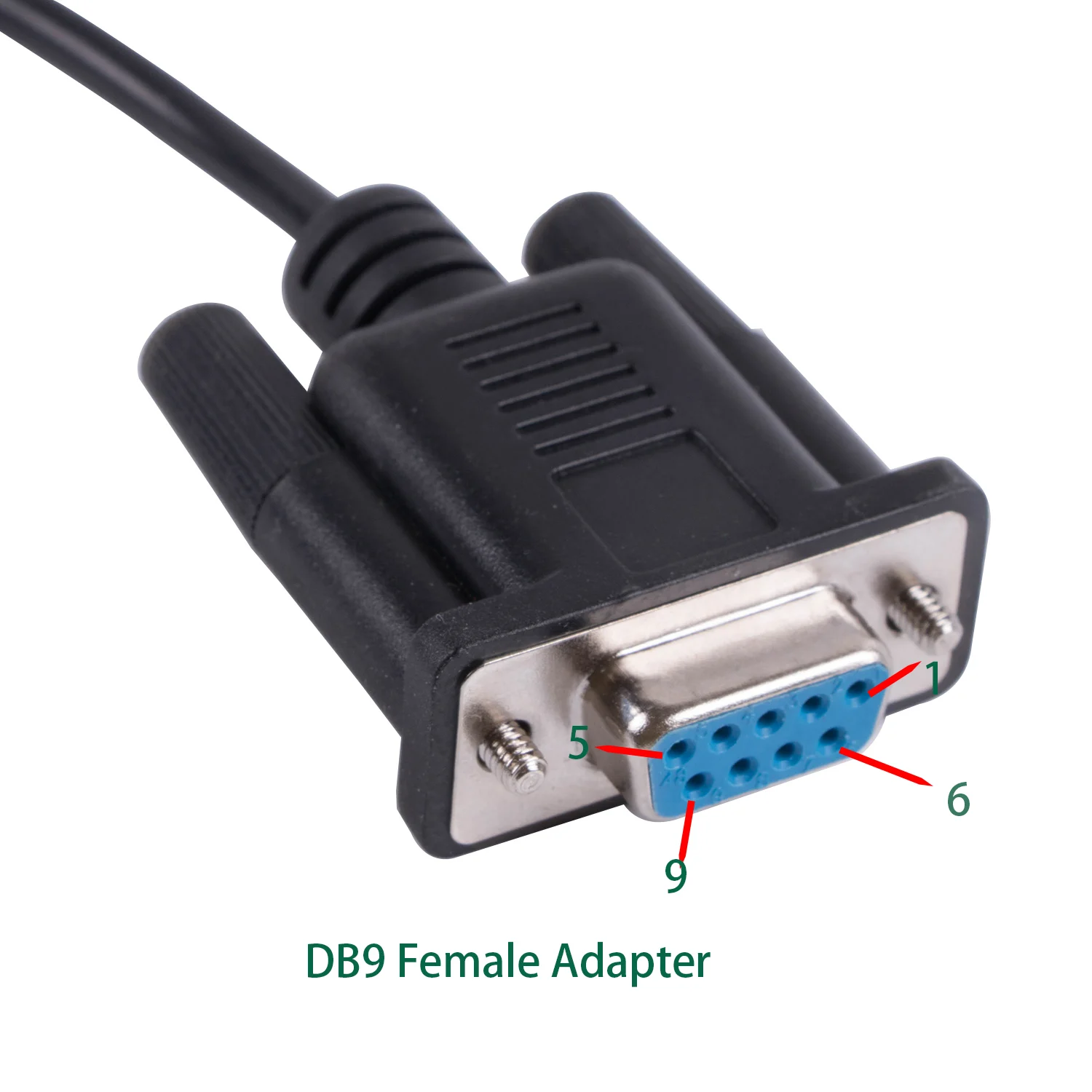
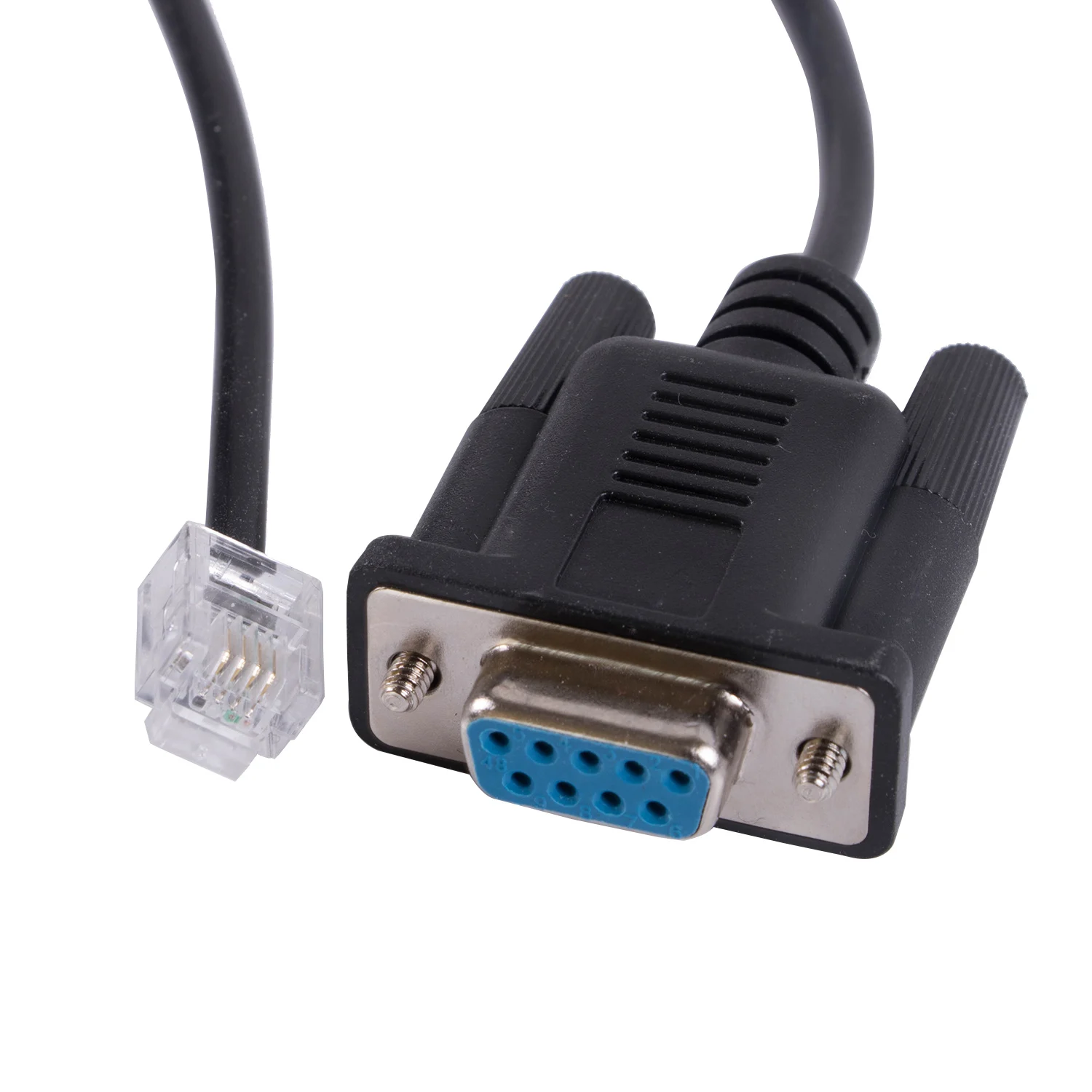
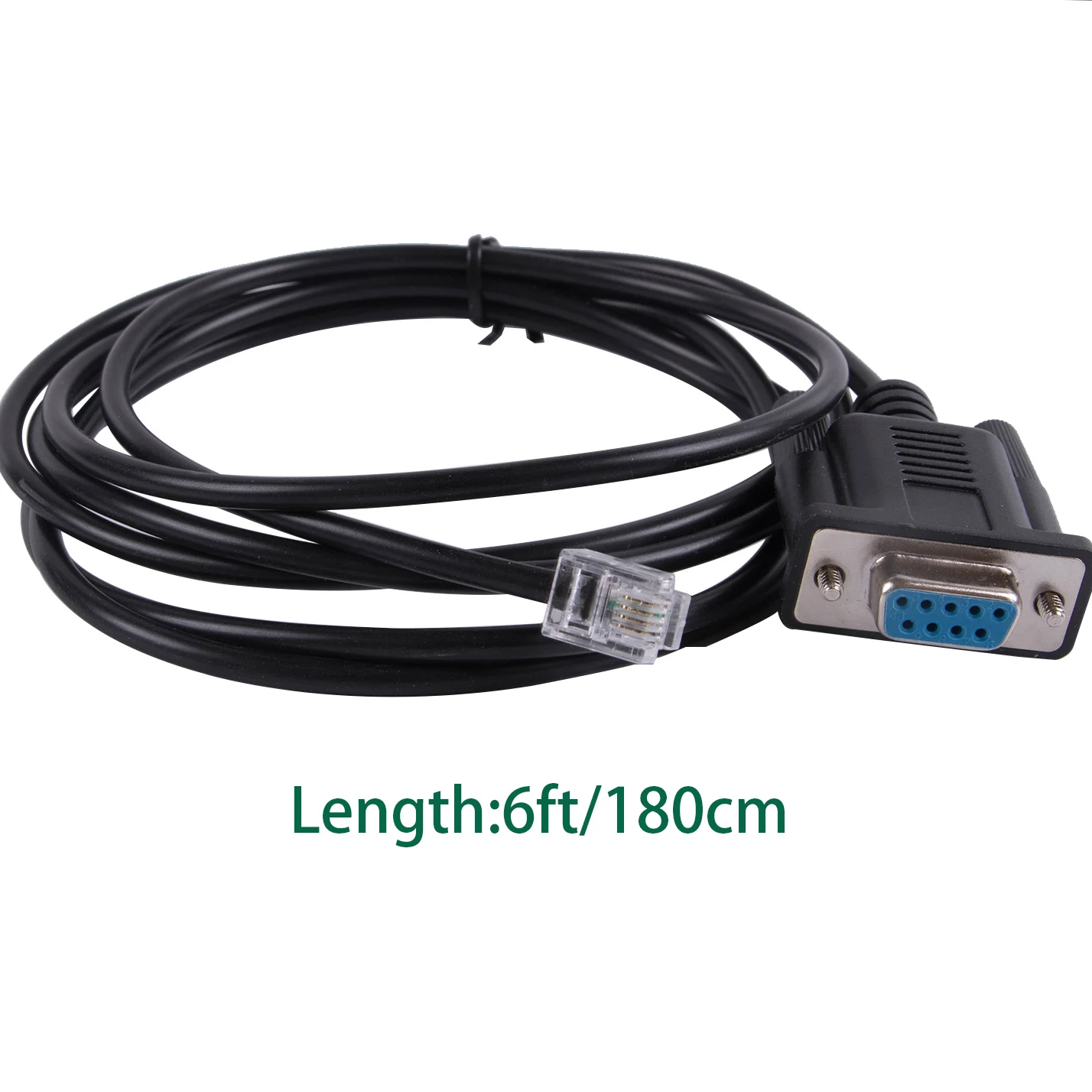
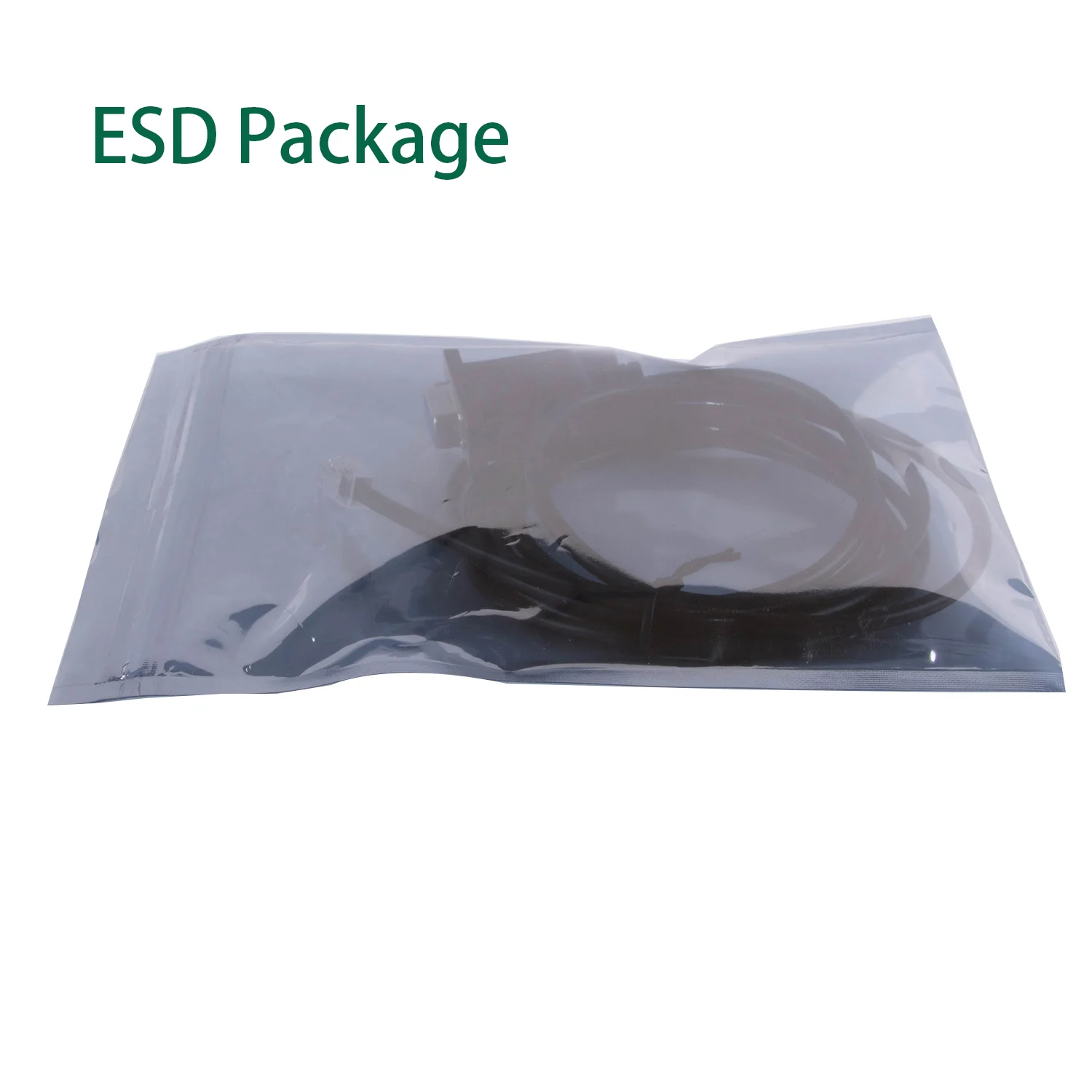
 DB9 to RJ10 RJ11 6P4C Serial RS232 Converter BMS Console Cable for Pylontech Phantom-S US2000 or US3000
DB9 to RJ10 RJ11 6P4C Serial Console Cable
Length : 6 Feet /180cm
Material: PVC Jacket, Bare Copper Wires
CE,Rohs Compliance
Application :for Pylontech Phantom-S US2000 or US3000 Batteriesview
Plug the RJ-11 connector of the cable into the CONSOLE PORT of the TOP BRICK of you battery stack. Just to be sure, the top brick is the one that have LinkPort0 EMPTY.
Next, plug the cable into your laptop's serial port, or USB2Serial adapter.
Launch the app and choose the serial port name according to your's laptop configuration. IE COM1, COM2, COM6...
Baudrate is 115200.
If you have more Pylon bricks stacked, then check the "Parallel" box and select the number of bricks that you have in a single stack.
Click OK to connect to the BMS.
If you did everything correctly, the app will scan all the bricks and will show you the operational parameters, like cell voltages, current, temperature, SoC...
There's a couple more charts available under the "Windows" menu, like Voltage/Amps curve, etc.
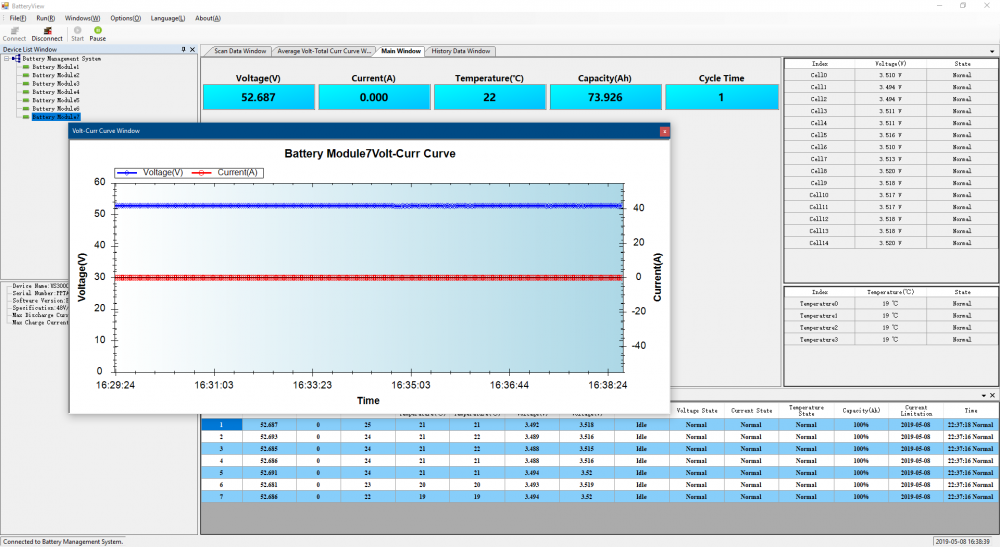
Be carefull, as this tool is used also for updating firmware. So, don't screw up your battery...
For the experts, there's even a possibility to open a CLI, where you can query much more detailed info.
You can SET the values, test the circuits, perform shutdown, etc.
This CLI is so powerfull, that it's actually scary.
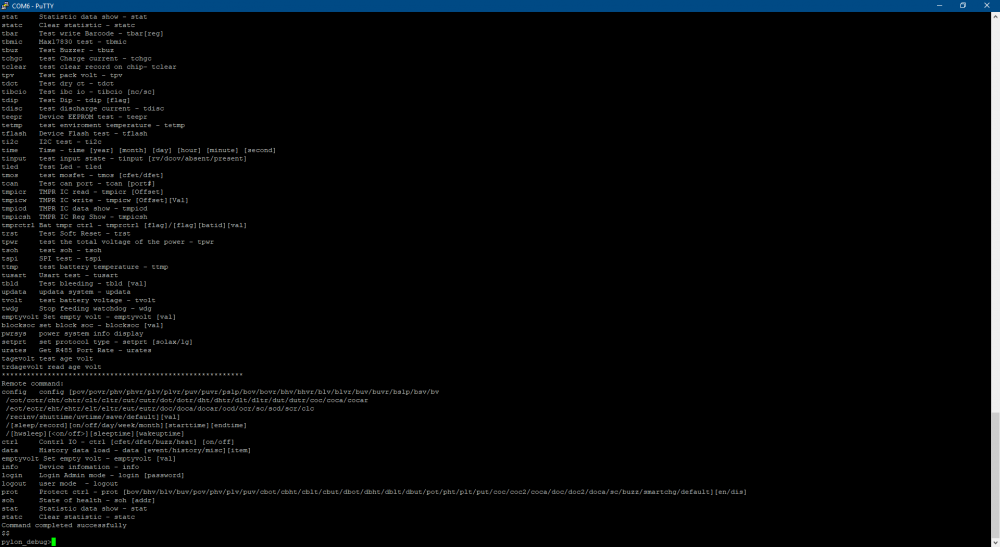
Well, if you're not a certified Pylontech expert, don't touch it, please!


