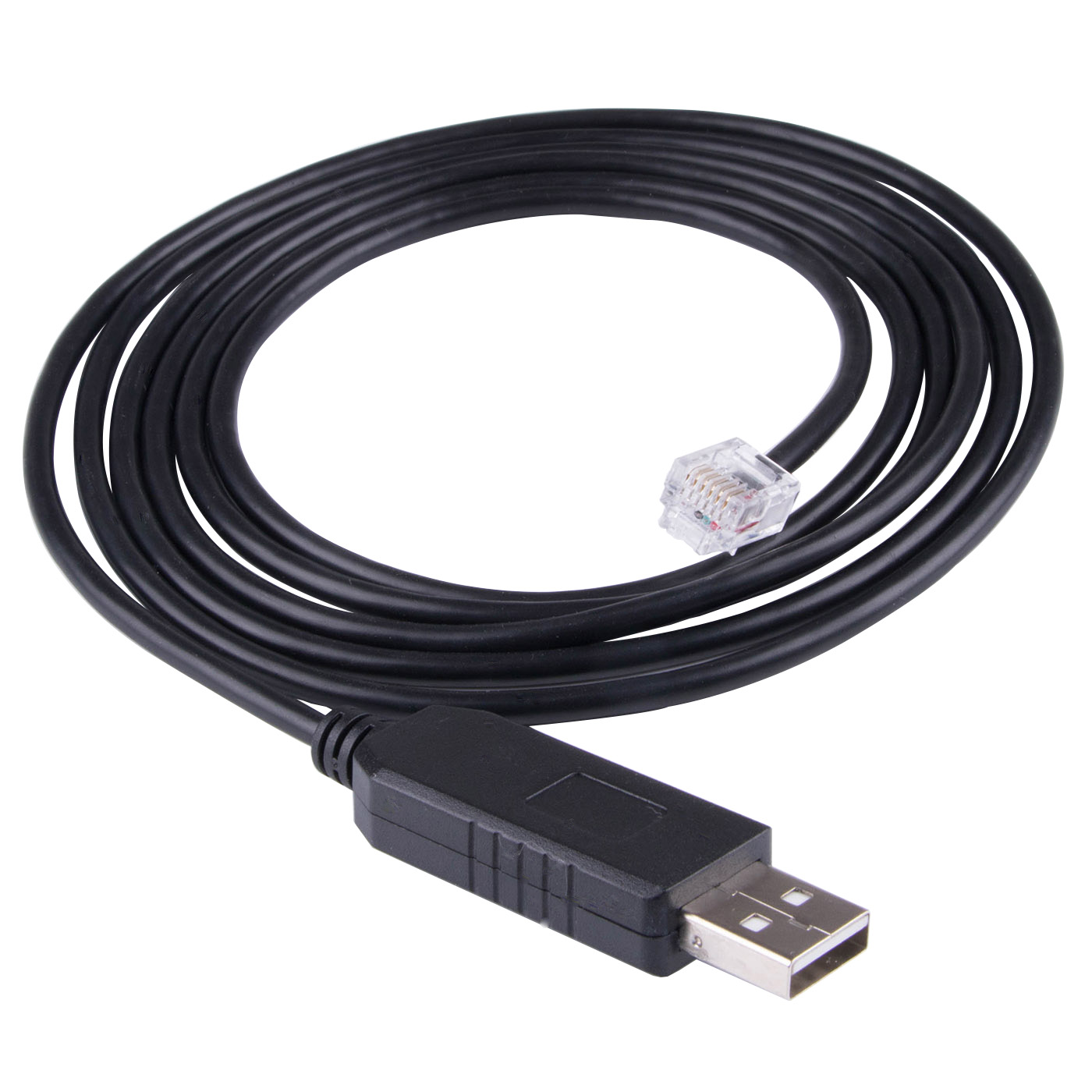
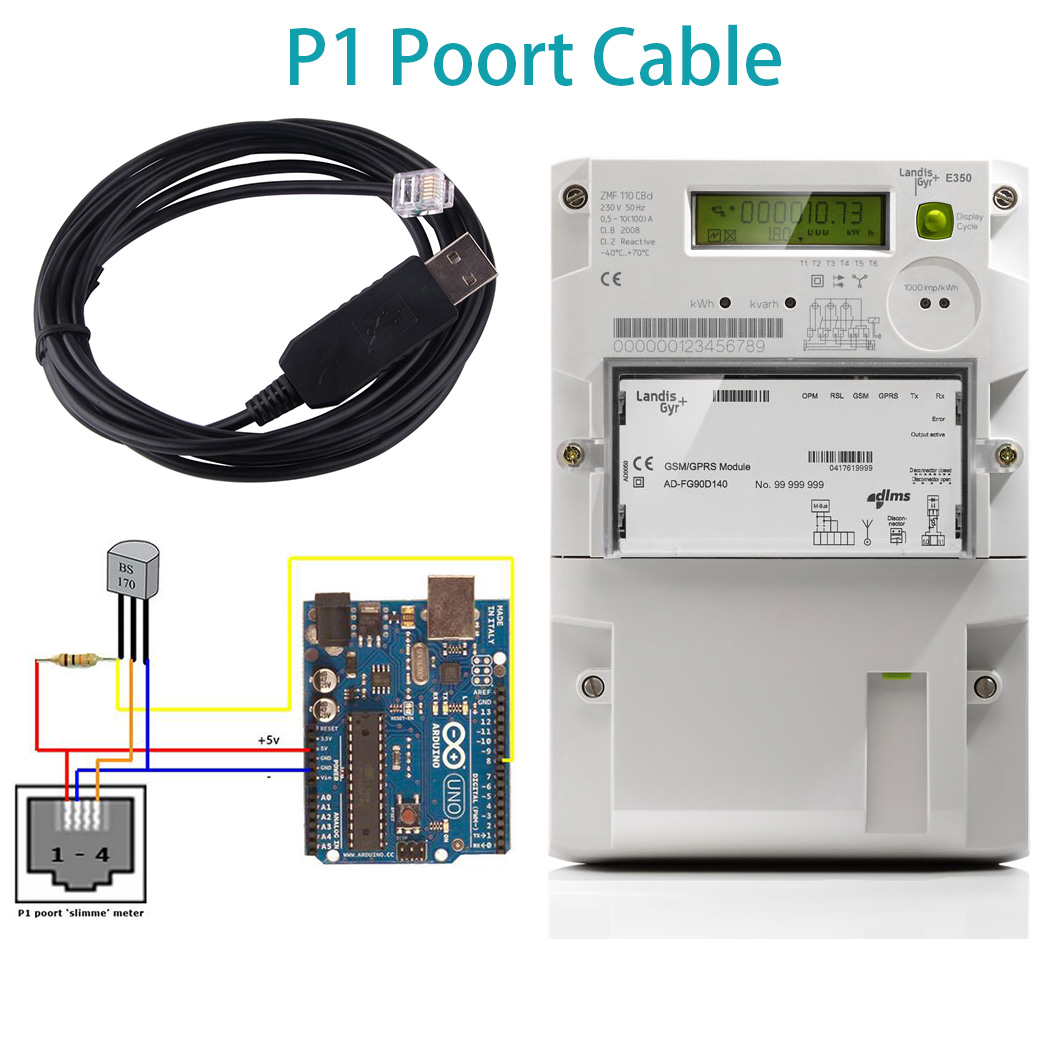
Domoticz on Raspberry Cable P1 Kabel Smart Slimme Meter DSMR Dutch FTDI USB to RJ12 TTL for ZIV Slimme Iskra AM550 Sagemcom XS210
ftdi ft232r usb ttl 5v to rj11 rj12 6p6c for dutch kaifa smart meter dsmr p1
See the vedio from client application:
Buyer read:
Multi-system support, support WIN XP/7/8/10/ANDROID/MAC OS/LINUX/VISTA, etc.
WIN 7, WIN 8, WIN 10 automatically install the driver under the network:
(The operating system needs to be automatically updated and connected to the Internet to automatically install the driver. The download time of the driver is related to the network speed, usually about 10 minutes), the same is true for Apple computers and MAC, and the driver is automatically installed. Other systems cannot be used normally, please download the driver from FTDI's official website. Because each customer uses a different system, it is not possible to send the driver separately. Thank you!
Driver download: https://www.ftdichip.com/Drivers/VCP.htm
Installation guide: http://www.ftdichip.com/Support/Documents/InstallGuides.htm
Drivers are available which allow FTDI devices to work with the following operating systems:
Windows 8.1 Windows 8.1 x64 Windows 8 Windows 8 x64
Windows Server2012
Windows Server 2008 R2
Windows 7 Windows 7 x64
Windows Server 2008 Windows Server 2008 x64
Windows Vista Windows Vista x64
Windows Server 2003 Windows Server 2003 x64
Windows XP Windows XP x64 Windows ME
Windows 98
Linux Mac OS X Mac OS 9 Mac OS 8
Windows CE.NET (Version 4.2 and greater)
Android Windows RT
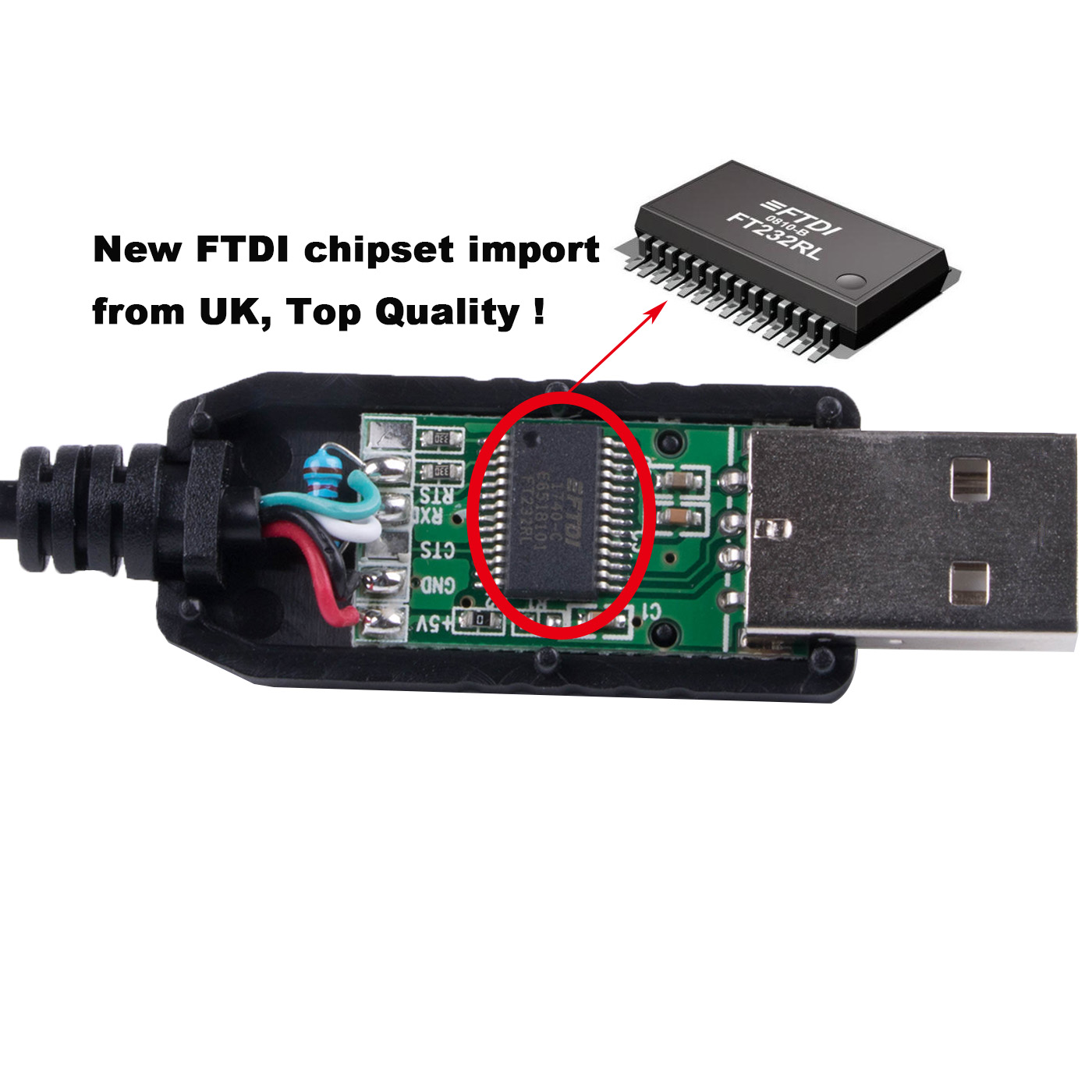
British FTDI FT232RL control chip, suitable for satellite upgrade, MCU serial communication, Arduino program download, STC program download, PLC industrial control, etc. The chip is stable in sending and receiving, and there is no error code or garbled code. This chip is the most stable industrial chip on the market. It is widely used in industrial machine tools, equipment testing, medical services, electronic maintenance, electronic development, automotive electronics, aviation, etc. It is compatible with WIN XP, WIN 7, WIN 8, WIN10, VISTA, Andorid, MAC OS, LINUX and other platforms.
Frequently Asked Questions
Q1: How to use the product?
A1: Insert the USB interface into the USB of the computer, and connect the device to the other port. After the computer driver is successfully installed, start debugging.
Q2: Do I need to install the driver?
A2: For systems below WIN 7, please go to the FTDI official website to download the driver suitable for your own operating system. WIN 7, WIN 8, WIN 10 will automatically install the driver when connected to the Internet. The operating system must turn on automatic update and connect to the Internet to install the driver automatically. Driver download time is related to network speed, generally about 10 minutes
Q3: Can the serial port be modified?
A3: If there is a port error, please change it under USB-SERIAL-PORT in the device manager. When changing, please select the port in use.
Q4: What should I do if the product cannot be used normally?
A4: The first step is to plug and unplug the USB port again, or change to another USB port;
The second step is to check whether the driver is installed successfully, or find the driver automatically;
The third step is to restart the computer and insert the USB twice.
If it still cannot be used normally, please try another computer or contact customer service.


