DB9 to 3.5MM Audio Jack AJ Serial Cable for FreeSAT V8 Super Satellite Receiver Freesat IPTV Decoder Upgrade Flash RS232 Cable
Length :1.8M
Color Black
It only for box don't bootup.You can try to force upgrade mode if the box can show Boot load.Please read the guide before using the tool.
Steps:
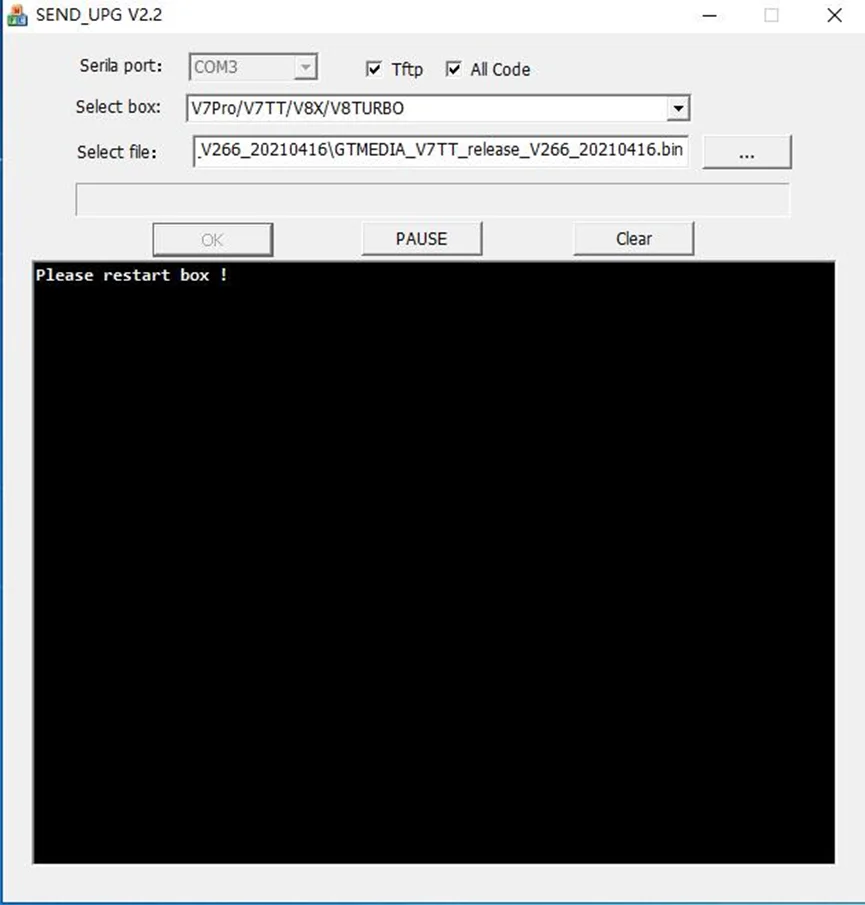
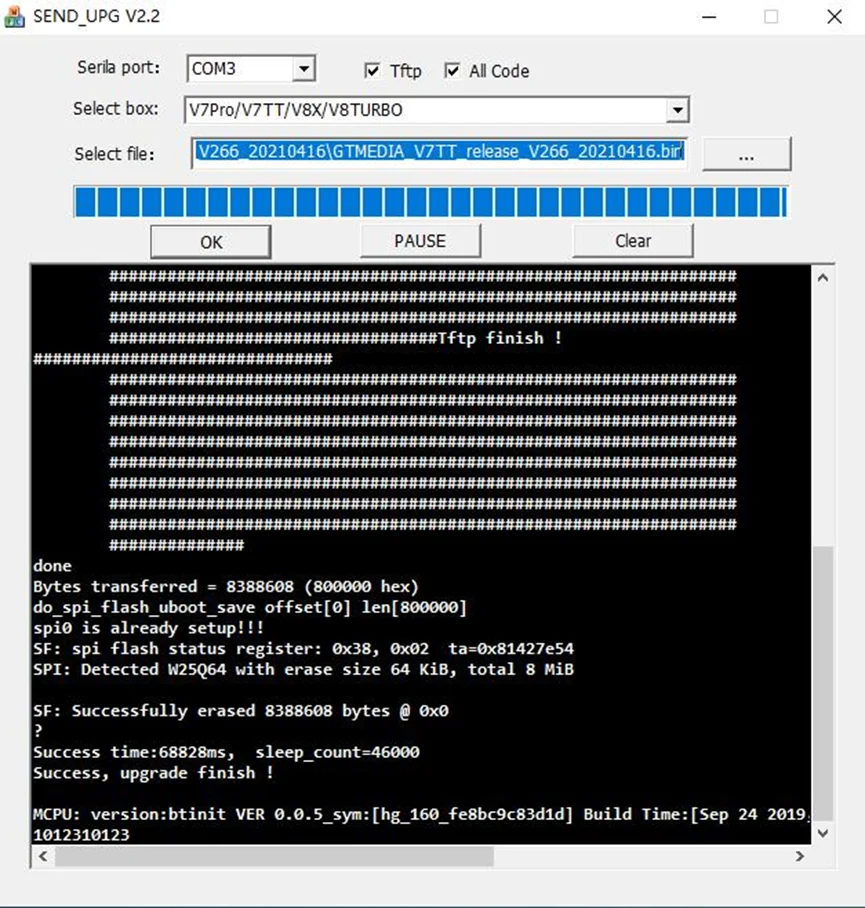
The computer and the machine are connected to the RS232 line USB upgrades, No check √ TFTP, YES check √ All Code
1. Download the firmware, (the file is named: flash.bin), and put it in the U disk and directory
2. Insert the USB port of the machine(U disk format FAT32)
3. Connect the serial port -> select the platform -> press ok -> restart the box
TFTP steps:
The computer and the machine are connected to the RS232 line TFTP upgrades, YES check √ TFTP, YES check √ All Code
1.The box is connected to the network via a LAN cable and is in the same local area network as your PC Then select the firmware to be updated
2. Connect the serial port -> select the platform -> press ok -> restart the box